Tectonic on Azure tutorial: Install enterprise-ready Kubernetes step-by-step
By Josh Wood, August 25, 2017
Originally published on the CoreOS blog (archived copy) . Re-published with the authors' permission.
CoreOS delivered the latest version 1.7.1 of the Tectonic enterprise-ready Kubernetes platform last week, adding a host of new features and improvements. One of the biggest stories in the release is stable support for deploying Tectonic clusters on Microsoft Azure. To help administrators and ops teams get up to speed, we’ve created a step-by-step tutorial for deploying Tectonic on Azure and using Tectonic Console to run a simple application on the new cluster.
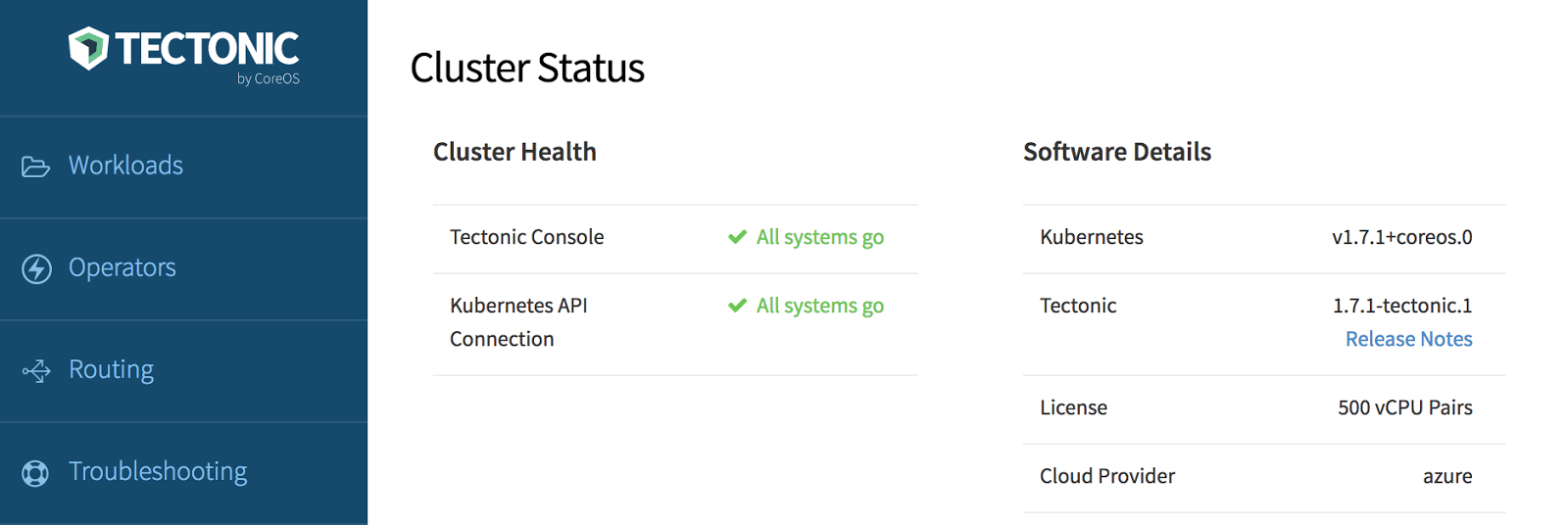
Microsoft Azure is an important provider for enterprises, particularly in hybrid and multi-cloud scenarios. Tectonic helps make multi-cloud deployments a reality by smoothing installation, standardizing the management interface between providers with the graphical Tectonic Console, and delivering automatic updates throughout the cluster lifecycle. Tectonic now officially supports deploying clusters to bare metal, Amazon Web Services (AWS), and Microsoft Azure, so that where an application runs becomes more an economic decision and less a technical one.
Illustrating this, as one follows the steps of the Azure tutorial, their similarity to the guides for other providers should become apparent. Administering a Tectonic cluster with Console, or with the kubectl command line tool, looks and feels the same on any underlying infrastructure. With Tectonic, operational skills and applications are portable between clouds.
Try Tectonic on Azure
Register for a Tectonic license, free for up to 10 nodes, then follow the Tectonic on Azure tutorial to walk through deploying and operating enterprise-ready Kubernetes on Azure with CoreOS Tectonic.
Check out a Tectonic 1.7.1 features webinar
CoreOS's Rob Szumski has put together an on-demand webinar to demonstrate the new features of Tectonic 1.7.1. Sign up to see Tectonic in action today.